 English
 Português
 Español
 Türkçe
 Bahasa Indonesia
 Tiếng Việt
 العربية
Italic Text Generator: How It Works and When to Use It
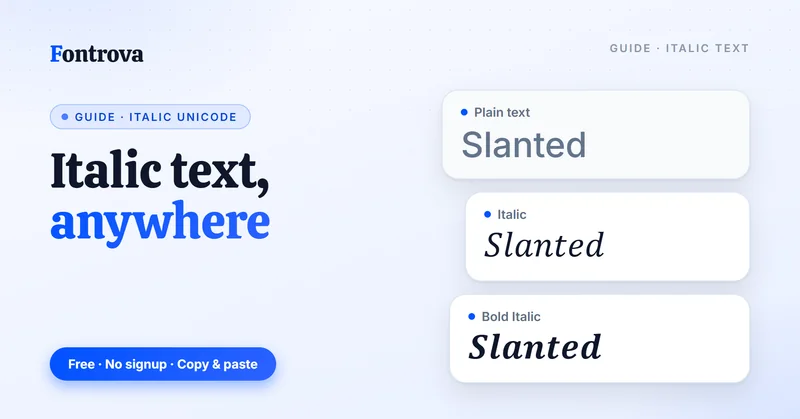
Typing in italics on a standard keyboard feels impossible until you realize it’s not really italic formatting at all — it’s a clever swap using the Unicode standard, which quietly hides thousands of lookalike characters inside its massive library of over 159,000 characters (Unicode 17.0).
An italic text generator works by matching your normal characters to their pseudo-alphabet twins — separate Unicode symbols that only look slanted. Copy and paste them anywhere, and platforms like Instagram bio or Facebook posts render them exactly as typed.
I’ve used these tools for years across social media, and the appeal is simple: no special text editors, no downloadable italic fonts — just interesting, instantly usable stylish fonts that work the moment you copy and paste into any online platform.
What Is Italic Text and How It Works
Most people treat italic as just slanted letters, but practitioners know better. These are entirely separate character sets within Unicode — each italicized letter is its own code point. That’s the real mechanism behind any italic text generator tool online.
Unicode mathematical alphabet blocks were the original source of these characters — designed for scientific notation, not social media. When you type your text into the Input field, the generator performs a character-by-character substitution, swapping regular text into its italic version from these reserved Unicode blocks.
The output box delivers converted italic text that lives on your clipboard as distinct characters — not formatting. This is why copy and paste works across Facebook, Instagram, X (formerly Twitter), YouTube, bios, captions, comments, posts, and usernames without breaking — platforms strip styling, not characters.
This Unicode workaround matters because many social media platforms offer no native text formatting in profiles, text messages, emails, and post fields. An italic text generator sidesteps this entirely, letting you paste italicized fonts anywhere — no CTRL+C shortcut required, though it works with that too.
One thing I always check before publishing: italicized Unicode characters render differently across devices. Some script fonts within the fancy-looking italic sets fall outside default OS fonts, showing boxes instead of letters on certain mobile screens. Testing your Output box result before going live is non-negotiable.
Where and How to Use Italic Text on Social Media
On Instagram bios, creators lean on the italic text generator to break monotony — a caption tool doubles as identity design. Facebook users copy and paste styled snippets into posts, while X threads use italics sparingly, letting one converted phrase carry the emotional weight of an entire reply.
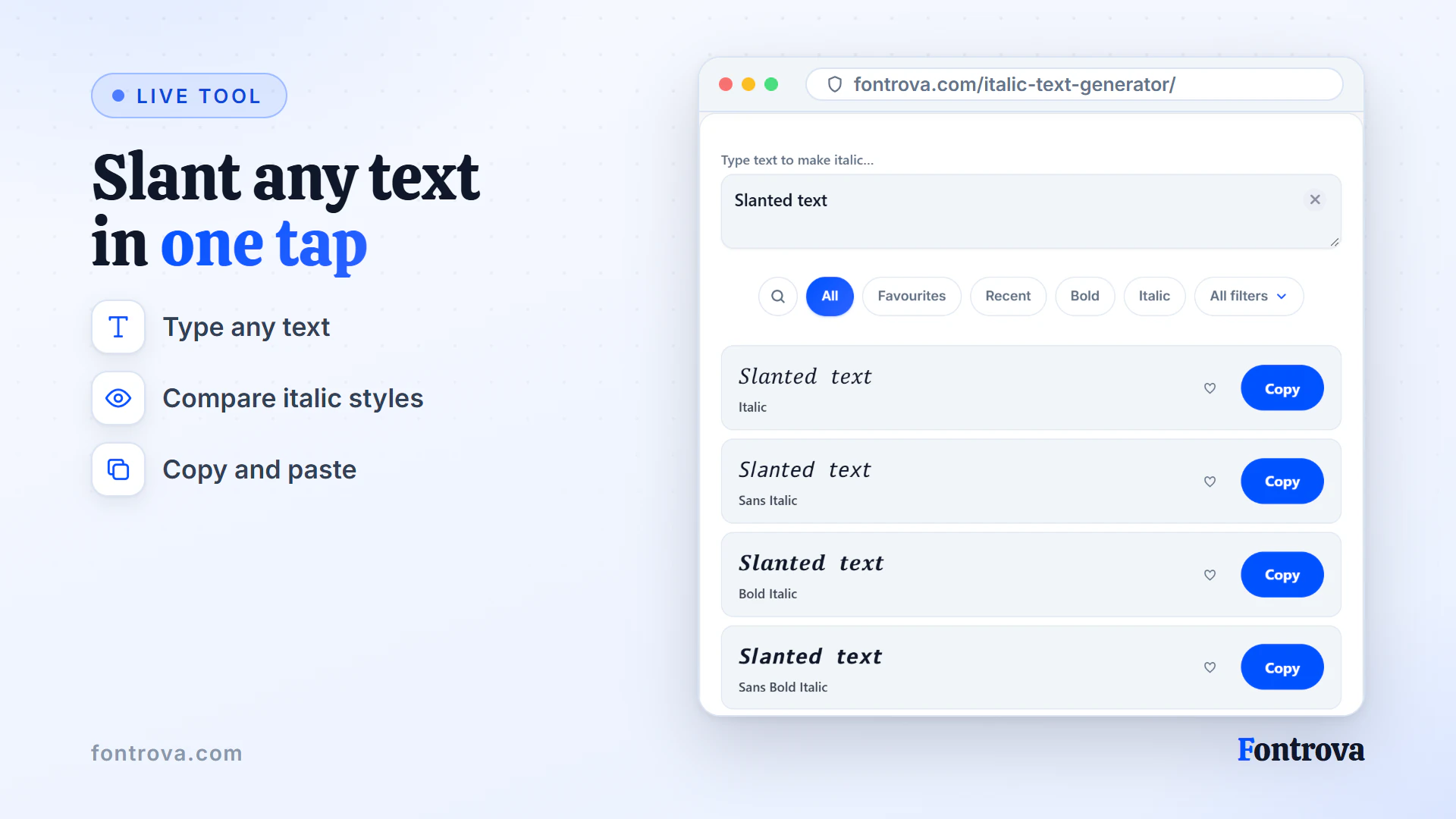
Every platform reads styling differently, which is where practice matters. I’ve watched statuses built entirely from fancy text generator output flop because the writer forgot restraint. The trick: type your text, generate, then paste only the fragment that needs quiet distinction — not the whole sentence.
Italic Text Copy and Paste Instructions
Enter text into the Input field and watch the tool work instantly — no special text editors needed, no downloadable fonts to install. Hit Copy on the style you want, then paste your italicized result anywhere, from Facebook.com statuses to Instagram bio captions.
When to Use Italic Text
Italic text works best in a few situations: emphasizing important text, adapting to different social media platforms, and replacing standard formatting where a platform does not offer it.
Emphasizing Important Text in Posts and Captions
Most writers instinctively reach for bold, but italics carry a subtler psychological weight. When emphasizing important text in captions, posts, or bios, italic Unicode styles signal tone without shouting — especially across Instagram, X, and Facebook.
Applying Italic Across Social Media Platforms
Experienced creators use italic text strategically across social media platforms — not everywhere, but where emotional nuance lives. Cursive and italic serif variations work beautifully inside Facebook posts, YouTube descriptions, and Instagram captions where text formatting shapes perception.
When Unicode Italic Replaces Standard Formatting
On platforms where native formatting breaks, Unicode italic characters become your workaround. X, text messages, and emails strip normal formatting — but italicized fonts generated from an italic text generator survive platform limitations, giving regular text genuine expressive range.
Bold Italic, Bold Cursive, and Sans Italic each serve different contexts. Use Sans Italic for clean digital reads, Bold Italic for authoritative emphasis, and cursive for signatures or decorative text. Match the style to the content’s emotional register, not just aesthetics.
Cursive and Bold Cursive Italic Styles
Most people overlook that cursive styling exists on a spectrum. At one end sits decorative text built for signatures; at the other, handwritten letterforms refined into elegant style output — both achievable through a single Unicode-based generator tool.
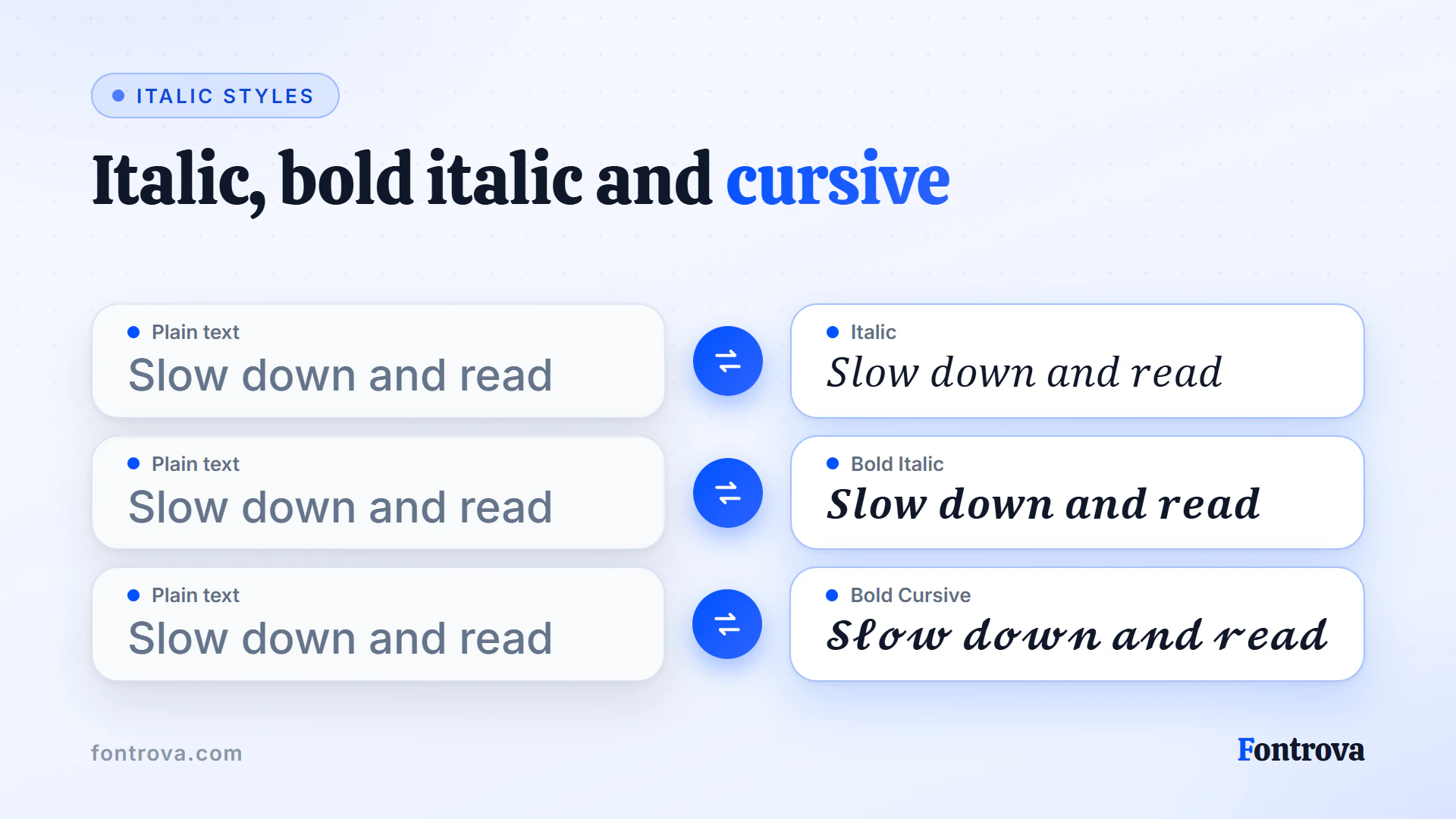
Handwritten flow separates cursive from blocky letters — you’re basically borrowing calligraphy’s rhythm for digital captions. Beyond fancy fonts, look at Bold Cursive for weightier signatures or plain cursive when a lighter, looping feel suits bios better.
Pairing Italic with Other Styles
Sans Italic headings paired with Bold captions show how a single phrase shifts emphasis — swap regular text for Cursive, or try Sans Bold Italic on Instagram statuses for fancy-looking, neat posts that stand out instantly.
Frequently Asked Questions
What Is Italic Text and How Does It Work?
Italic text uses Unicode characters that slant to the right, giving your writing a stylized, emphasized look. Like bold — and unlike the more decorative cursive styles — italic characters are widely supported across social media, gaming platforms, and messaging apps.
Where Can I Use Italic Text?
You can use italic text on Instagram, TikTok, Facebook, X, WhatsApp, Discord, and most platforms that support Unicode. It works great for bios, captions, comments, and display names.
How Do I Copy and Paste Italic Text?
Type your text into the italic text generator, pick a style you like, then click the copy button. Paste it anywhere — it works on every platform that supports Unicode characters.
Is the Italic Text Generator Free?
Yes. The italic text generator is completely free with no signup, no limits, and no downloads. Just type, pick a style, and copy.
Try the Italic Text Generator
Free, no account, and it runs in your browser. Type once and copy the style you want.
Open Italic Text Generator